How QR entry works at a gym
A member QR that changes every 30 seconds, a tablet at the door and recorded exits. How gym QR entry works, step by step.
· 6 min read
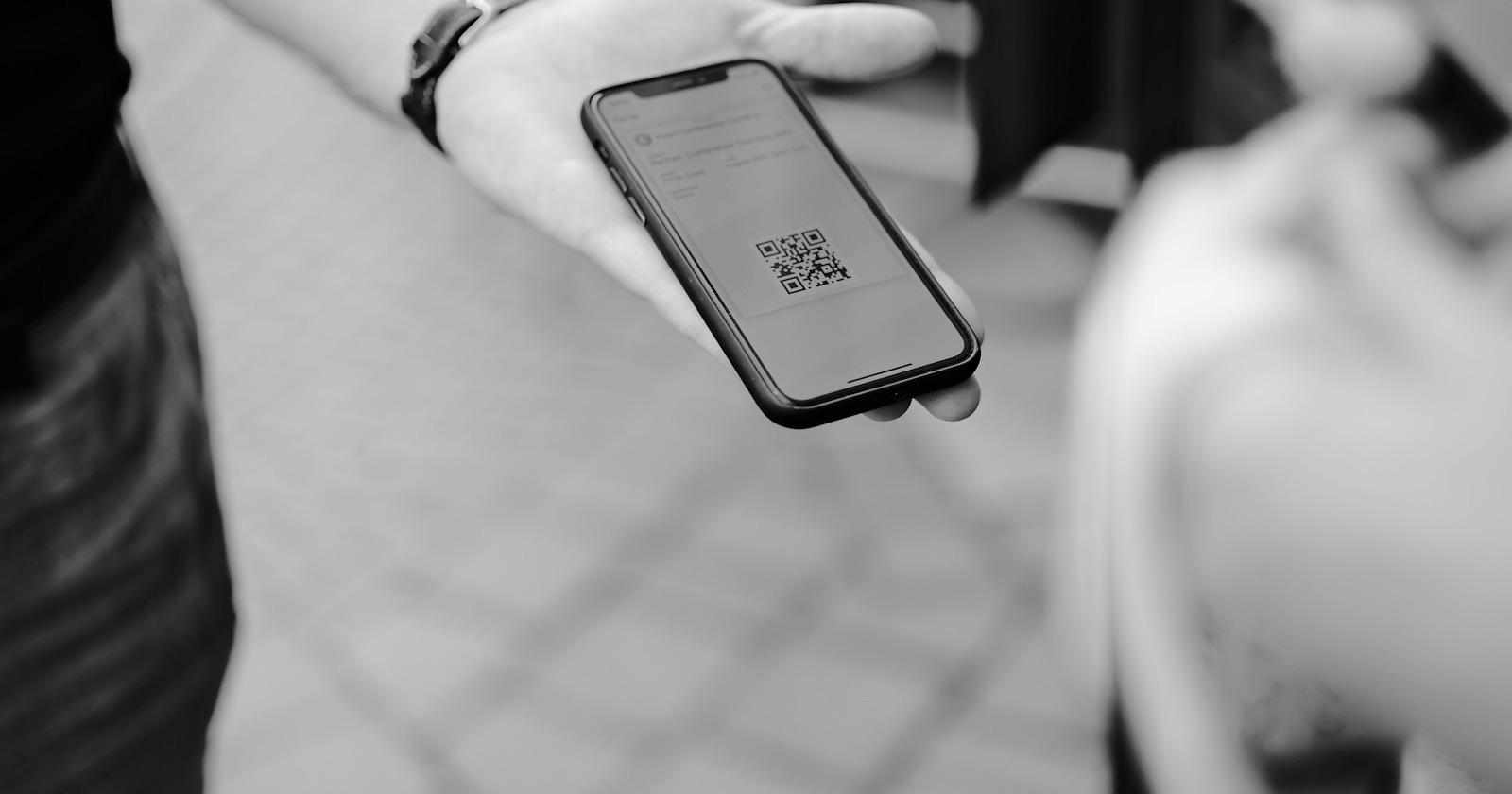
QR entry is the cheapest way to stop asking "what was your name again?" at the gym door. You don't need a turnstile or a card reader: a tablet and the member's phone are enough. This post explains how gym QR entry works in GamGym step by step, which checks run at the door, and why exit matters as much as entry.
Why a fixed QR code isn't enough
A QR code handed out once can be screenshotted and sent to a friend. A week later two people are walking in on the same code and nobody notices.
In GamGym the member's QR code changes every 30 seconds. It's generated much like the one-time codes in banking apps and signed with a key unique to each gym. To allow for small clock differences a code is accepted for roughly a minute; after that a screenshot is useless. Members see the code in the member portal, which opens in the phone's browser, so there's nothing to install.
A tablet at the door: the kiosk
The simplest access point is a tablet. It opens /kiosk, and when you click "Connect tablet" in the panel you get an 8-character one-time code valid for 15 minutes. Enter the code on the tablet and it's registered as an access point for your gym. If a tablet is lost or replaced, you remove it from the panel in one click.
The tablet can work in two ways:
- It shows a rotating door QR on screen and the member scans it with their phone.
- It reads the member's QR with its camera or with a USB reader plugged into it.
Tablets don't count toward your plan's access point limit, and QR entry is included in every gym plan. On Starter you can keep the one access point for a turnstile or door. Turnstile and door connections are set up with our support team; the hardware isn't part of the subscription.
What gets checked at the door
The moment the QR is read, the system identifies the member and runs through the rules. If entry is denied, the tablet shows why. Possible reasons:
- the membership has expired, is frozen or hasn't started yet,
- no visits left (the 11th visit on a 10-visit pass),
- outside the plan's hours (a morning-only plan in the evening),
- the branch is closed,
- no booking for that time on an appointment-only plan,
- the gym is at capacity,
- the member already shows as inside.
Debt and capacity are the gym's call. For members who owe money you choose warn, block or allow, and you set how many days and how much debt you tolerate. When capacity is reached you can either warn or stop entry. These settings are per branch, so two locations can run different rules.
Why exit is recorded
Most gyms only count entries. But "how many people are inside right now" is only accurate if exits are recorded too. GamGym stores every visit with an entry and exit time.
On a point that handles both directions, direction is detected automatically: if the member is inside, the scan counts as exit, otherwise as entry. A repeat scan within 15 seconds (a branch setting) doesn't flip the direction; it's treated as a duplicate. Exit is never blocked, so nobody gets stuck at the door. If a member forgets to scan out, the visit closes automatically after 6 hours by default, and the gym can change that.
Recording exits has another benefit. The anti-passback rule, on by default, stops a second entry with the code of someone who is already inside. That's exactly what catches a QR passed to a friend waiting outside.
Staff use the same door
The door isn't only for members. Staff scan in at the same tablet and the system recognises them as staff. Whether staff may enter outside working hours is a branch setting, allowed by default. On Professional and Chain plans staff scans also feed a timesheet, so there's no separate attendance book to keep.
What you see in the panel
The live screen shows recent scans, who is inside right now, today's entries and denials, and occupancy. The reports screen shows denial reasons and top visitors over 7, 30 or 90 days.
Professional and Chain plans add two more reports: an hour-by-day heatmap and a list of active members who haven't been in for 21 days, with phone numbers. The first tells you which hour needs another trainer on the floor; the second tells you who to call. That's why knowing your occupancy rate from records rather than guesswork pays off.
How it ties into classes
Entry and bookings live in the same system, so when a member comes through the door their attendance for that hour's class is marked automatically and the trainer doesn't need a roll call. If you run capacity slots such as "18:00–19:00 gym floor, 40 people", the door opens at most 30 minutes before the booked time. More on that in classes and bookings.
How long setup takes
For a gym starting with a tablet it's a few steps: create the access point in the panel, pair the tablet with the code, mount it next to the door. If you want separate tablets for entry and exit, pair both the same way; tablets don't count toward the limit, so there's no extra charge. We suggest leaving the door rules (debt, capacity, anti-passback) on their defaults for the first week, then tuning them against the denial report.
If you are weighing a door lock or a turnstile instead of a tablet, we compare the options in our gym turnstile article.
You'll find how QR entry compares with other setups in Why GamGym?, plans and prices on the for gyms page, and a short definition of QR entry in the glossary.
Terms in this article
Frequently asked questions
What if a member sends a screenshot of their QR code to a friend?
The code changes every 30 seconds and is valid for about a minute, so an old screenshot doesn't work. A second entry with the code of someone already inside is also stopped by the anti-passback rule.
Which GamGym plan includes QR entry?
QR entry is included in every gym plan, Starter included. The tablet at the door doesn't count toward the plan's access point limit.
What if a member forgets to scan out?
The visit closes automatically after 6 hours by default, and the gym can change that. Exit is never blocked.