Gym member app: what your members see on their phone
Door QR, class and PT booking, programs, measurements, community, notifications and payments: what's in the member portal members open in their phone's browser.
· 8 min read
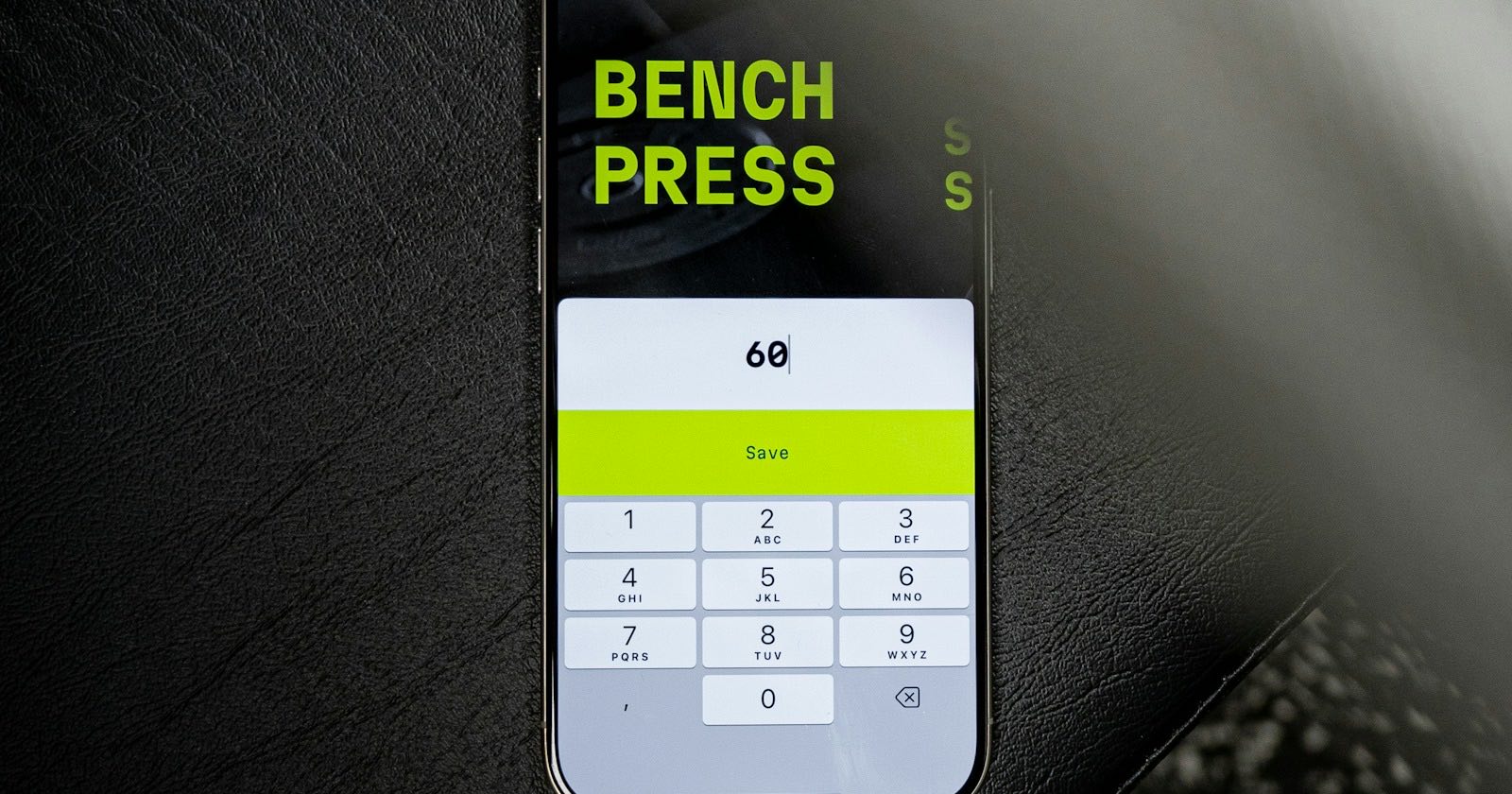
A gym member app lets members see their door QR, bookings, program and balance on their own phone. In GamGym your members do this in the member portal, which opens in the phone's browser, so there's nothing to download from a store.
This post covers what members see on their phone, which feature comes with which plan, and what the gym gets out of it. Things that don't exist yet have their own section.
A gym member app without the app store
The member portal is a web address. Members open it on their phone and sign in with the phone number registered at your gym; there's no password to set. Members who use it a lot can put it on their home screen with the browser's "Add to Home Screen" option, where it sits like an app icon.
There is no GamGym app on the App Store or Google Play today, and this post doesn't promise one. Running in the browser has an upside for you: you don't have to tell members to download an app and create an account. They start with the number they gave at sign-up, and old phones with full storage aren't a problem.
One phone number belongs to one person. If a member belongs to two gyms, or trains with a freelance trainer as well as a gym, they see all of it in the same portal under "My memberships". The gyms don't see each other's records.
At the door: My entry QR
This will probably be the most-opened screen. The member's QR code changes every 30 seconds, so sending a screenshot to a friend doesn't work. The tablet at the door reads the code, or the other way round: the member scans the rotating door QR on the tablet with their phone.
QR entry is included in every gym plan. We explain the checks at the door in how QR entry works and the tablet versus turnstile decision in the turnstile article.
Class and PT booking
At gyms that run group classes and PT (Professional and Chain plans), members see the weekly class schedule, book a spot and cancel. If a class is full they join the waitlist, and when someone cancels the next person is moved in automatically. Free cancellation windows and late-cancel penalties follow your rules, and a reminder notification arrives before the class.
For PT, members see the trainer's free slots and book a session. At the end of the session they enter the attendance code that changes every 30 seconds on the trainer's screen, and they can rate the session. If a session was marked "attended" but didn't actually happen, they can dispute it within 48 hours. Details are in classes and bookings.
Programs, workout log and measurements
The "My programs" screen holds the workout and nutrition program the trainer assigned. During a workout the member ticks off sets and writes down the weight and reps. Next time, each exercise shows their heaviest set from last session, so tracking progressive overload doesn't need a separate notebook.
On the "My tracking" screen members send a daily report: meals (with photos if they like), water, hours of sleep and how they felt that day. If the report is shared with the gym, the trainer sees it in the panel and writes a comment. The weekly workout goal, the streak counter and any challenges the gym runs are on this screen too.
Under "My measurements" members can enter their own weight and body measurements. Measurements taken at the gym appear in the same list with a "Gym measurement" label, so the two sources don't get mixed up.
Programs are included in every gym plan. Building the program itself is covered in how to build a workout and nutrition program.
Community and your gym's posts
The "Social" section works like your gym's own feed. Members post, like, comment and follow each other. They can block an account that bothers them or report a post, and you handle reports from the panel.
"From my gym" shows your gym's posts: a change in the class schedule, a new trainer's introduction, a recipe. Each post can be public or members-only. Community is included in every gym plan.
Notifications
The portal has a notification inbox. Notifications land there 7, 3 and 0 days before a membership ends, when an instalment is due or overdue, and as a reminder before a class. In-app notifications are free on every plan, with no quota and no extra charge.
To be clear: SMS sending isn't live yet, and we don't promise push notifications or e-mail as a working channel today. Members see notifications when they open the portal. That's why showing the portal to each member once, early on, matters.
Payments, documents and requests
Members see their membership at each gym, the days or visits left and any open balance. If they paid by bank transfer, they report it in the portal and attach the receipt; you approve it in the panel. Online card payment isn't live yet.
Members read and sign documents such as the privacy notice and the health questionnaire (PAR-Q) on their phone with a finger. The signature is stored with the signed text and the IP address. If your policy allows it, members can request a freeze here, as well as a cancellation or withdrawal, and follow which stage the request is at. The rules for cancellation are in membership cancellation.
If you've turned on online membership sales, members buy a new plan in the portal and pay at the gym or by bank transfer, as described in selling memberships online. On the Chain plan, members can also order shop products in advance and pick them up at the branch they choose.
What the gym gets
The first place a gym member app pays off is the front desk. Picture a gym with 400 members. Most of the calls that tie up the front desk are the same few questions: when does my membership end, is there room in tomorrow's 19:00 class, do I still owe anything. As members find these answers in the portal, those calls drop and the desk gets back to the door. How much they drop varies from gym to gym, and we don't quote a figure.
The measurable gains are elsewhere:
- Documents are signed at sign-up without paper, so there's no hunting through a filing cabinet.
- Expiry and instalment reminders go out on their own; nobody scans a list by hand.
- Bookings tell you how full each class is and who's on the waitlist.
- The trainer's program and comments are on the member's phone, not lost in a messaging app.
Then there's member churn. A member who sees their program on their phone and logs their progress has a more concrete tie to the gym. We don't promise a number for that, but you can follow your renewal rate month by month in the panel.
Common mistakes
The most common one is opening the portal and never showing it to members. Do each member's first sign-in together at the desk when they join; seeing where the QR lives once is enough.
The second is typing the phone number wrong. Sign-in is by number, so a wrong number means the membership ends up on someone else's screen. A member can report a wrong record themselves with "this membership isn't mine", but it's better to confirm the number at sign-up.
Treating notifications as SMS is another. Today notifications live inside the portal. Don't leave an important announcement, such as the gym being closed for a day, to a notification alone.
Finally, carrying on with paper forms throws away the portal's easiest win. Set up the privacy notice and health questionnaire templates in the panel once and let members sign on their phones.
What doesn't exist yet
A store app, online card payment, and SMS or push notifications don't exist today. When one of them goes live we'll update this post. You'll find a topic-by-topic comparison in Why GamGym?, and an overview of all the parts of gym software in gym management software.
Getting started
The member portal is part of every gym plan at no extra charge. Fill in the application form on the for gyms page; our team opens your account and the trial starts that day. You can compare plans in the pricing table.
Terms in this article
- Turnstile / QR check-inAn entry system where members scan a QR code on their phone, or use a card at a turnstile, to get into the gym.
- Member churnThe share of members who leave or don't renew in a given period, measured against all active members at the start of it.
- Group classAn instructor-led class at a set time with several people, such as Pilates, spinning, HIIT or yoga.
Frequently asked questions
Do members need to download an app?
No. The member portal opens in the phone's browser and members sign in with their registered phone number. There is no GamGym app on the App Store or Google Play today.
Do notifications cost extra?
In-app notifications are free on every gym plan with no quota. SMS sending isn't live yet, and push and e-mail aren't promised as working channels today.
Can members pay in the portal?
Members see their balance, and if they paid by bank transfer they send a transfer notice with the receipt, which the gym approves in the panel. Online card payment isn't live yet.
Does someone who belongs to two gyms need two accounts?
No. One phone number is one person, and the member sees both memberships in the same portal. The gyms don't see each other's records.