What is a gym management system? A day at a 400-member gym
From member records and the door to collections and reports: what a gym management system does during a day, walked through at an example 400-member gym.
· 8 min read
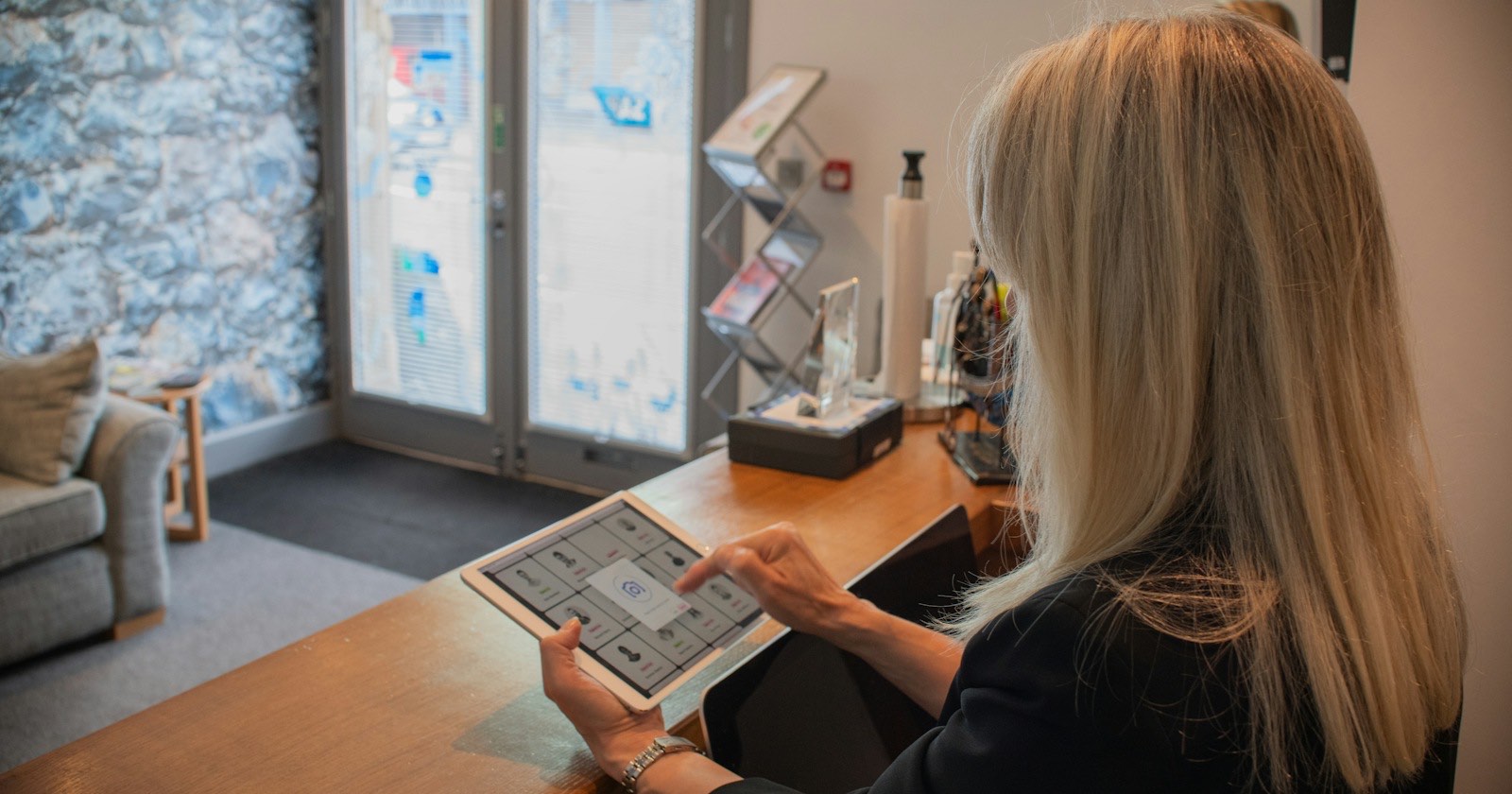
A gym management system is software that keeps member records, sales and collections, door access, classes and reports in one place. The easiest way to see what it does is to follow an ordinary gym through one day, so this article walks through a day at an example 400-member gym running on GamGym.
What a gym management system covers
At most gyms this work is spread across four places: the member list in a spreadsheet, debts in a front desk notebook, the class list in a group chat and PT sessions on each trainer's phone. A management system ties them to the same record. When a member walks through the door, the system knows their balance, their remaining visits and the class they booked for that hour.
| Area | What it means during the day |
|---|---|
| Member records | Days left, visits left, balance, signed documents and last visit on one screen |
| Sales and collections | Plan sales, installments, cash desk, bank transfer approval, receipts |
| Access | QR at the door, entry and exit records, denial reasons |
| Classes and PT | Weekly schedule, bookings, waitlist, attendance |
| Reports | Collections, renewal and retention rates, door reports |
| Staff permissions | Who sees what, who can refund, which branch they work in |
| Member side | QR, bookings, balance and documents on the member's phone |
Example: a day at a 400-member gym
Picture a single-location gym with 400 active members, two front desk staff and four trainers. It opens at 7:00 and is busiest between 18:00 and 21:00. The times below are from this example gym's day.
07:00 The door opens
A tablet stands next to the door. A member opens the member portal in their phone's browser and shows their QR code. The code changes every 30 seconds, so a screenshot can't be passed to a friend. When someone with an expired membership arrives, the tablet denies entry and shows the reason, and nobody at the desk has to remember who's paid up.
The gym decides what happens to members with debt: warn, block or let them in. The details are in how QR entry works. If you're considering a turnstile or a door lock, the turnstile article compares the options.
09:00 The front desk checks the day's list
The first screen in the panel is called Today. At the top are counts of pending work: online orders, leads to call today, bank transfers waiting for approval, overdue debts. Below that is a three-column work list, and each row has a single button:
- Members who stopped coming: active members with no visit in 14 days by default, with "Call".
- To collect: debts that are due or overdue, with "Collect".
- Ending soon: plans ending within 7 days or down to 2 PT sessions, with "Renew".
At our example gym this morning there are 9 absent members, 6 collections and 11 plans ending soon. The desk works through those 26 rows during the quiet hours. We cover how to use these lists in gym member tracking software.
11:00 One renewal, three installments
A member whose plan is about to end renews a three-month plan in three installments. If the gym requires a signed contract and health questionnaire before a sale, the system won't sell without them; the member signs on the tablet and the signature is stored with the exact text they signed. The installments go onto the member's account with their due dates, and a few days before each one a reminder lands in the member's notification inbox.
Every money movement is written to the ledger, and the cash desk is counted at the end of the day. The gym sets the maximum number of installments, up to 36.
17:30 Before the evening class
About an hour and a half before the 18:30 class, the trainer gets a notification with how many people are booked and how many are on the waitlist. When someone cancels from a full class, the next person moves in automatically, up to 60 minutes before the start. When a member enters through the door, their attendance is marked too, so the trainer doesn't take a register. Classes and PT are in the Professional and Chain plans; the rules are in class booking, waitlists and attendance.
19:00 Peak hour
Because entries and exits are both recorded, the live screen shows how many people are inside right now. If you set a capacity limit, the door either warns or stops entry when it's reached, your choice. Knowing your occupancy rate from records rather than guesswork helps when you're deciding whether to add a second trainer in the evening.
23:00 While the gym is closed
Someone browsing the gym's page buys the monthly plan online and signs the contract on their phone. The membership is created as "pending", and they'll pay at the gym or by bank transfer the next day. Unpaid orders cancel themselves after 3 days. Online card payment isn't available today, and we'd rather say that up front. Another visitor who isn't ready to buy leaves a trial request, which waits on the lead board as "new" in the morning. The full flow is in online membership sales, and the page itself in how to build a gym website.
The next morning: reports
The collections report splits payments by method and branch. The membership report shows how many of the memberships that ended in the period were renewed, whether new members were still members 30, 60 and 90 days later, and how often active members came in over the last 28 days. The Professional and Chain plans add an hourly heatmap and a list, with phone numbers, of active members who haven't come in for 21 days. Those two screens are the first place to look if you want to reduce member churn.
Staff permissions: not everyone sees everything
Built-in roles come with separate permission sets for the front desk, branch manager, accountant, trainer, dietitian and general staff. The front desk role registers members, sells plans, takes payments and runs the cash desk; refunds, cancelling memberships and exporting the member list aren't part of it. A trainer sees their own sessions and their members' measurements and has no access to the cash desk.
When you assign a staff member to a branch, they only work with that branch's records. Defining your own roles is available in the Professional and Chain plans. If you run several locations, running a gym chain covers these settings at branch scale.
The member side: on the phone, nothing to install
The member portal opens in the phone's browser; there's no app to download from a store. Members see their QR code, class and PT bookings, balance and payments, signed documents, programs and measurements there, and can send a freeze request. Once members get used to it, fewer of them call the front desk. More on this in gym member app.
Common mistakes
- Switching on the strictest door rules on day one. Starting debt and capacity on "warn" for a week and then reading the denial report causes fewer arguments.
- Giving everyone owner rights. If the front desk can issue refunds, tracking down a cash difference gets much harder.
- Running the old program and the new system side by side for months. A debt kept in two places ends up wrong in both. To move over in a single day, see moving from spreadsheets to gym software.
- Not introducing members to the portal. Until QR, bookings and balances are on members' phones, the load stays at the front desk.
Which plan fits
GamGym plans differ by member, branch, staff and access point limits; QR access, online memberships, programs and accounting are in every gym plan. The tool below takes your member and branch count and shows which plan fits, using current plan data. Prices are in the pricing table.
Which plan fits?
A plan for your member and branch count
What to look for when choosing software is in how to choose gym software, and a topic-by-topic comparison is on Why GamGym?.
Starting a trial
The free trial is 3 months on Starter and 14 days on the other gym plans. The application form is on the for gyms page; after you send it, our team opens your account and the trial starts that day. On day one, enter your branch hours, set up one plan and pair a tablet at the door; the Today screen starts filling up the next morning.
Terms in this article
- Member churnThe share of members who leave or don't renew in a given period, measured against all active members at the start of it.
- Turnstile / QR check-inAn entry system where members scan a QR code on their phone, or use a card at a turnstile, to get into the gym.
- Gym occupancyHow much of a gym's or a class's capacity is in use, tracked by hour and by class.
Frequently asked questions
Do I need to install software on a computer?
GamGym runs in the browser. The panel opens on a computer or tablet and the member portal in the phone's browser. A tablet is enough for QR at the door.
Does the system tell me who to call today?
The work list on the Today screen shows absent members, debts to collect and plans ending soon in separate columns, each row with a call, collect or renew button.
Are SMS messages sent to members?
SMS sending isn't available yet. Reminders and notifications go to the member's in-app notification inbox today, and those are free on every plan.
Can the front desk issue refunds?
The built-in front desk role can't refund, cancel memberships or export the member list. Those sit with the branch manager or accountant roles, and on Professional and Chain you can define your own roles.